 how-to
How to Optimize Real Estate Drone Photos for Websites
Table of Contents
- Why Optimized Drone Photos Matter for Real Estate Websites
- How to Enhance Real Estate Photos Before They Hit Your Site
- Best Image Format for Real Estate Websites
- Real Estate Photo File Size and Dimensions: Getting the Balance Right
- Real Estate Image Alt Text and SEO: Making Your Photos Findable
- Website Performance and Core Web Vitals for Image-Heavy Listings
- Common Mistakes That Hurt Drone Photo Performance
- Conclusion: Turning Aerial Shots Into Listing Results
- Frequently Asked Questions
Last Updated: October 12, 2026
Why Optimized Drone Photos Matter for Real Estate Websites
Aerial photography is now a standard part of real estate marketing. Listings with drone photos stand out because buyers see the whole property, not just the front door. But here's the problem most agents miss: a stunning drone photo that takes 8 seconds to load will lose the buyer before they ever see it. The goal of learning how to optimize real estate drone photos for websites is simple. You want sharp, fast-loading images that show up in search results and hold a buyer's attention.
At Gods Eye Drone, we shoot aerial content for real estate agents, developers, and property teams. We see the same pattern again and again. The photo quality is fine. The delivery is where it falls apart.
Below, we'll walk through the full process: editing, file format, size, alt text, and page speed. Each step takes minutes once you know what to do.
How to Enhance Real Estate Photos Before They Hit Your Site
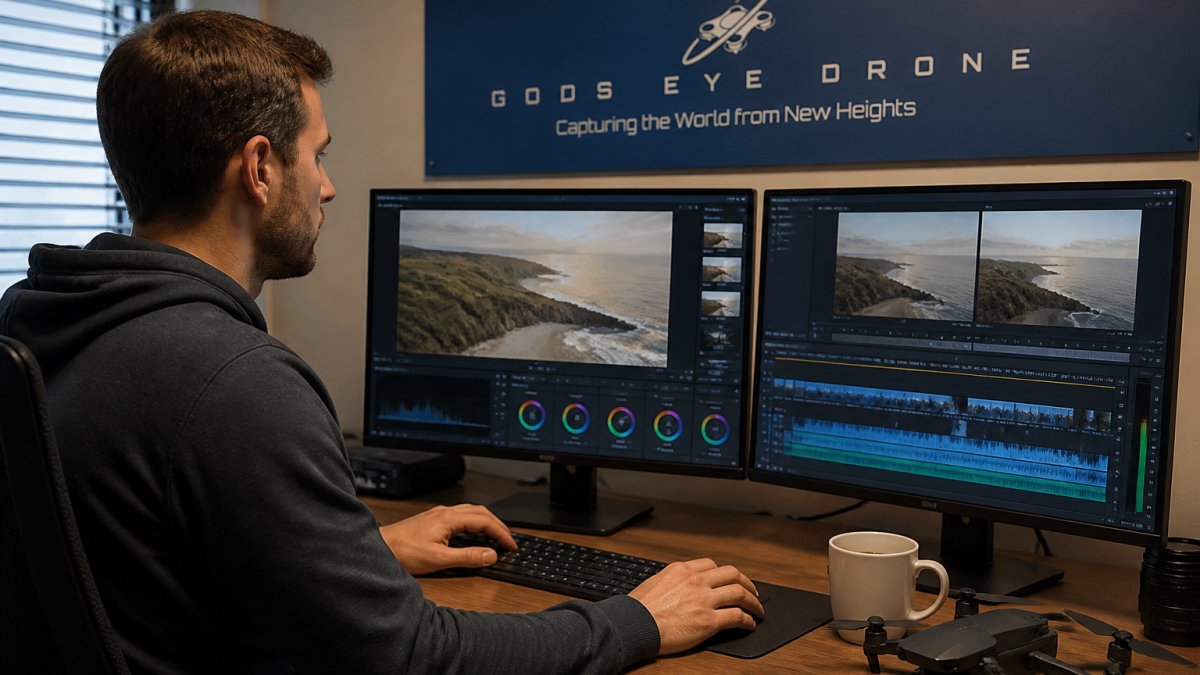
Editing is where good aerial shots become great ones. The camera captures the raw data. Your edits decide how it reads on screen.
Start with these basics:
- Fix the horizon first
- Correct color and exposure second
- Crop last to keep the framing tight
Color Correction and Exposure for Aerial Shots
Aerial photos pick up atmospheric haze, especially on wide shots. A slight contrast boost and a small bump in clarity bring back the detail in roofs, driveways, and tree lines.
Watch the sky. Blown-out white skies look cheap. Pull the highlights down before you touch the shadows. If you shoot in RAW, you have far more room to recover a bright sky without turning the lawn into mud.
Cropping and Straightening the Horizon
A tilted horizon is the fastest way to make a drone photo look amateur. Straighten it every time. Then crop to remove dead space at the edges and center the property.
Keep the crop tight. A property that fills 70% of the frame reads better than one lost in a wide landscape.
Best Image Format for Real Estate Websites
The best image format for real estate websites is WebP for most photos, with JPEG as a safe fallback. Both load fast and look sharp. WebP files are often 25-35% smaller than a JPEG of the same visual quality, which matters when a listing page holds 20 or more photos.
Here's how the common formats stack up:
| Format | Best For | File Size | Transparency |
|---|---|---|---|
| WebP | Most listing photos | Smallest | Yes |
| JPEG | Universal fallback | Medium | No |
| PNG | Logos, floor plans | Largest | Yes |
| AVIF | Newer browsers | Smallest | Yes |
Skip PNG for photos. It's built for graphics with flat colors, not the gradients in a sky. For more on how format and delivery affect load times, see Google's web.dev guide to image formats.
Real Estate Photo File Size and Dimensions: Getting the Balance Right
Aim for listing photos under 200 KB each and no wider than 1,600 to 2,000 pixels. That range looks sharp on almost every screen and keeps pages fast. A single 6 MB photo straight off the drone will wreck your load time.
Compression Without Visible Quality Loss
Compression gets a bad name. Done right, you can cut file size by more than half and no one notices. Use a quality setting around 75-80% in your editor or an image tool. Then compare the result side by side at full size. If you can't spot the difference, the compression is safe.
Responsive Images for Mobile Viewers
Most buyers browse listings on a phone. Sending them a 2,000-pixel desktop image wastes their data and slows the page. Responsive images solve this. The site serves a small version to phones and a large one to desktops, automatically.
If your listing platform supports srcset, turn it on. If it doesn't, upload a mobile-friendly size and let it scale up.
Real Estate Image Alt Text and SEO: Making Your Photos Findable
Alt text is a short description of an image that search engines and screen readers use. Good alt text helps your listing rank and makes your photos usable for everyone. This is one of the most overlooked steps in image SEO.
Write alt text that describes the actual shot. Include the property type and a real detail.
- Weak: "drone photo"
- Strong: "Aerial view of a four-bedroom colonial with a pool and two-car garage"
Keep it under 125 characters. Don't stuff keywords. Describe what's there.
Descriptive Filenames and Structured Data
Your filename matters too. IMG_4471.jpg tells Google nothing. oak-street-colonial-aerial.jpg tells it plenty. Rename every file before upload.
For structured data, use Schema.org's ImageObject documentation to mark up your listing photos. It helps search engines understand what each image shows.
Website Performance and Core Web Vitals for Image-Heavy Listings
Heavy images are the number one cause of slow listing pages. Google measures this with Core Web Vitals, a set of speed and stability scores. The largest image on your page often decides your score. A gallery of unoptimized drone shots will fail every time.
Fix it with these steps:
- Compress every image before upload
- Serve WebP with a JPEG fallback
- Set width and height on every image tag to stop layout shift
- Lazy-load images below the fold
- Use a content delivery network to serve files faster
For a deeper look at the metrics, see Google's Core Web Vitals report. A fast gallery keeps buyers scrolling. A slow one sends them back to search results.
Common Mistakes That Hurt Drone Photo Performance
Most performance problems come from a short list of repeat offenders. Here's how to spot and fix each one:
| Mistake | Fix | Impact |
|---|---|---|
| Uploading full-resolution files | Resize to 1,600-2,000 px | Faster load |
| Skipping compression | Compress to under 200 KB | Bigger speed gain |
| Generic alt text | Write unique descriptions | Better SEO |
| No responsive images | Enable srcset | Faster on mobile |
| Missing dimensions | Set width and height | Less layout shift |
A few more traps to avoid. Don't upload TIFF or BMP files. Don't stack 40 photos on one page without lazy loading. And don't forget mobile viewers, who make up most of your traffic.
Conclusion: Turning Aerial Shots Into Listing Results
Great drone photos only work if buyers actually see them. Slow pages, bloated files, and weak alt text quietly kill the impact of even the best aerial shot. Get the technical side right and your listings load fast, rank higher, and hold attention longer.
That's where Gods Eye Drone comes in. As a veteran-owned, full-service drone company, we deliver high-quality aerial photography and videography with certified pilots and state-of-the-art equipment. We handle the capture so you get clean, ready-to-use files.
Book now with Gods Eye Drone and turn your aerial shots into listings that sell.
Frequently Asked Questions
What image size and file format work best for real estate website photos?
For most real estate websites, aim for hero images around 1920 pixels wide and gallery images around 1200 to 1600 pixels wide. WebP is the best image format for real estate websites because it delivers smaller file sizes than JPEG at similar quality and supports transparency. Keep individual file sizes under 200 KB where possible. Always export at 72 DPI for screen display, not print resolution, and test how images render on both desktop and mobile before publishing.
How can you reduce drone photo file size without losing quality?
Start with a high-resolution original, then resize to the dimensions your website actually needs before compressing. Use tools that support WebP or optimized JPEG export at 75 to 85 percent quality. Strip metadata that is not needed for SEO. Avoid uploading full-resolution RAW exports directly to your site. A 20 MB aerial shot can typically be reduced to under 200 KB with no visible difference at normal viewing sizes, which directly improves page loading speed.
How should you name and add alt text to real estate drone photos?
Use descriptive filenames that include the property address or neighborhood plus a relevant term, such as 123-main-st-aerial-view.webp. For real estate image alt text and SEO, write a short sentence describing what the photo shows, like 'Aerial view of a four-bedroom home with a large backyard and pool in Overland Park.' Avoid keyword stuffing. Alt text serves accessibility first and search engines second, so write it for someone who cannot see the image.
How many aerial photos should a real estate listing include?
Most successful listings include three to six aerial drone photos alongside ground-level images. Lead with one wide establishing shot that shows the full property and its neighborhood context, then add two or three detail shots highlighting specific features like lot size, outbuildings, or proximity to amenities. More than eight aerial images can slow page load and dilute impact. Quality and relevance matter more than quantity, especially when each image must be optimized for web delivery.